When to Use a 360° Camera vs. the Mobile Capture App

Every construction project moves at its own pace.
Some teams document a few rooms once a week. Others capture thousands of square feet daily across multiple floors. The right capture method depends on your project’s scale, timeline, and how often you need to document — not on its complexity.
That’s why Bimbit supports both the mobile capture app and 360° cameras.
Each approach offers unique advantages, and both can coexist within the same project for a consistent, high-quality record of progress.
The mobile app — high-quality capture with full control
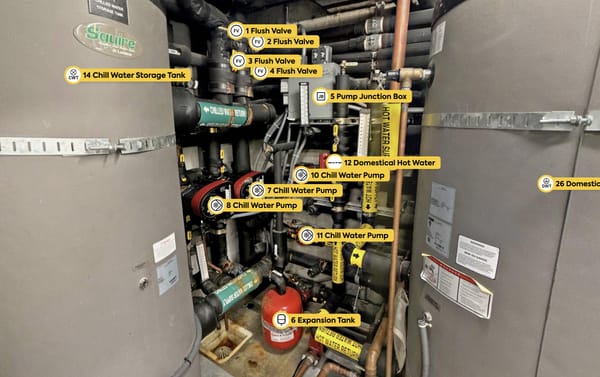
The Bimbit mobile app uses a multi-shoot capture process: several overlapping photos taken around a fixed point are blended into a seamless 6K, high-dynamic-range panorama.
The process produces vivid, detailed imagery — perfect for clear documentation without requiring specialized equipment.
It’s ideal when:
- You’re working on projects with moderate scope where time per capture is manageable.
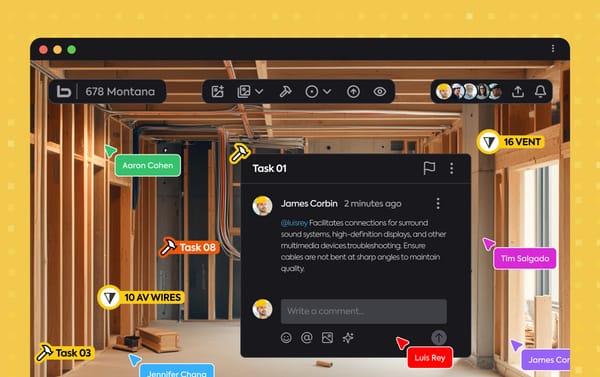
- You want fine visual detail or need to add notes and annotations directly in the field.
- You’re documenting stages between trades or milestones, where precision is valuable.
- You’re building a visual record early before scaling up capture operations.
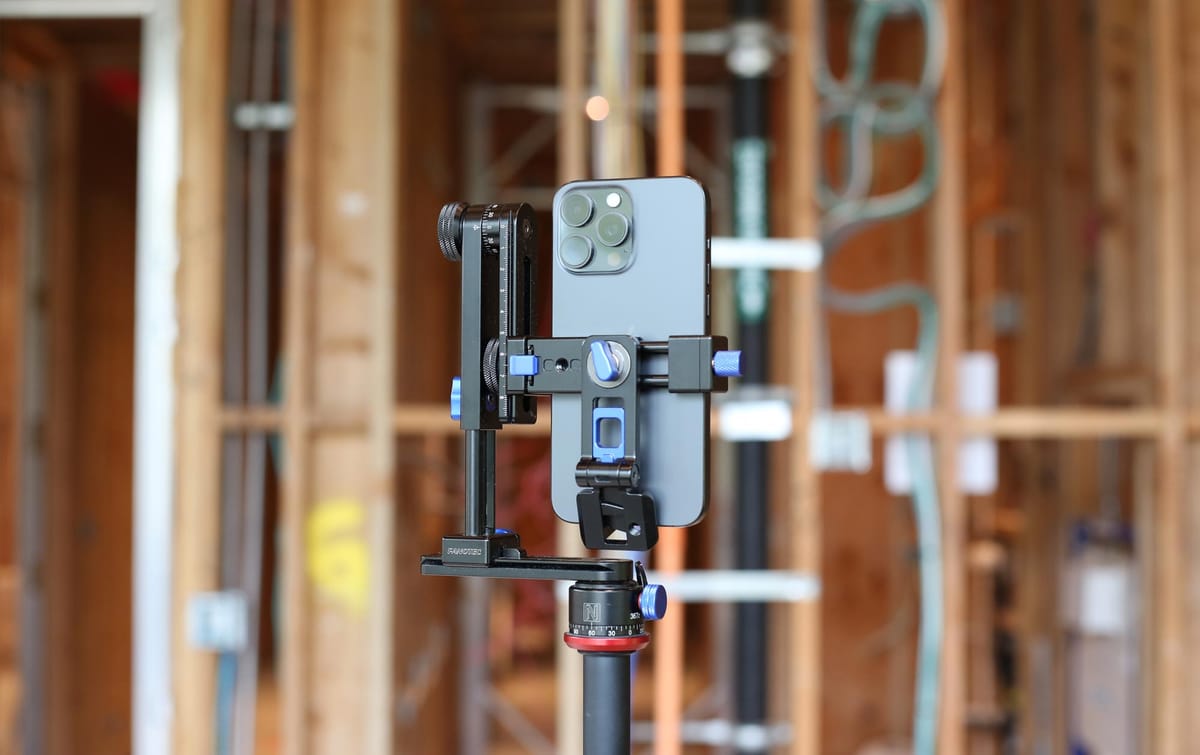
To ensure perfect stitching and repeatable alignment, it’s recommended to use a nodal head with the mobile app.
It keeps the rotation axis consistent, reduces parallax shifts, and guarantees that captures align precisely across progress updates.
A 17,000-square-foot house, for example, can be fully documented using the mobile app — it simply requires more time per capture point compared to a 360° camera workflow.
The 360° camera — fast, consistent coverage for large-scale work
When you’re managing larger sites or recurring documentation, the 360° camera speeds everything up.
With dual fisheye lenses capturing the full environment in a single shot, it’s built for efficiency and repeatability.
It’s ideal when:
- You’re covering large or repetitive areas like multi-unit, commercial, or infrastructure projects.
- You need frequent progress scans across multiple areas.
- You’re sharing updates with remote teams, owners, or clients who rely on real-time visibility.
- You use a tripod or nodal head to maintain consistency between captures and dates.
The 360° workflow dramatically reduces time per capture — making it the practical choice for projects with high frequency or broad coverage requirements.
Combining both — one timeline, consistent alignment
Both capture methods are fully compatible within the same Bimbit project.
As long as you maintain the same capture location and height, the resulting panoramas align accurately, forming a continuous visual timeline of the project’s evolution.
That flexibility allows teams to mix workflows naturally:
- Use the mobile app for detailed documentation or smaller scopes.
- Use the 360° camera for fast, wide-area coverage.
- Combine both for a complete, consistent visual record across every phase.
The takeaway
Documentation shouldn’t depend on what device you own — it should depend on how clearly you want to see your progress.
Start with what you have, use the right tool for your scope, and keep every capture consistent in point and height.
Because in construction, clarity is built one capture at a time.